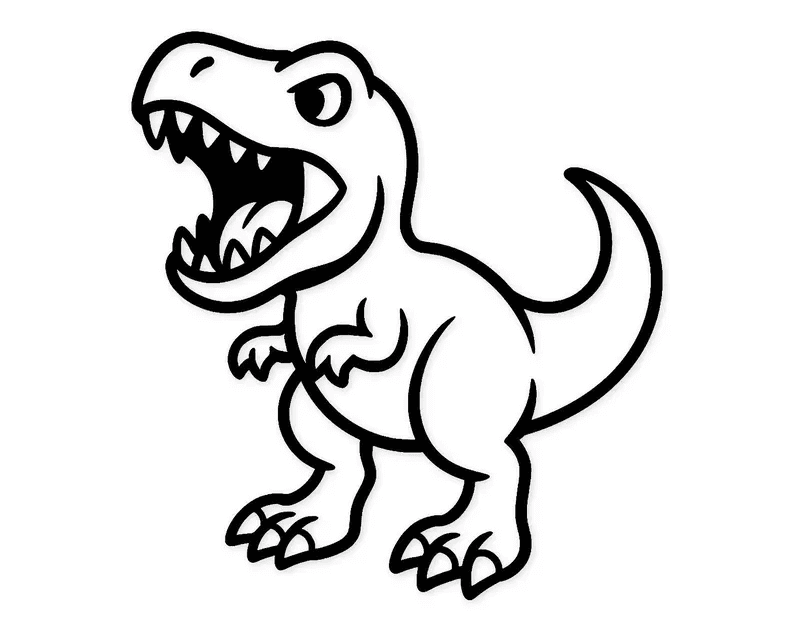
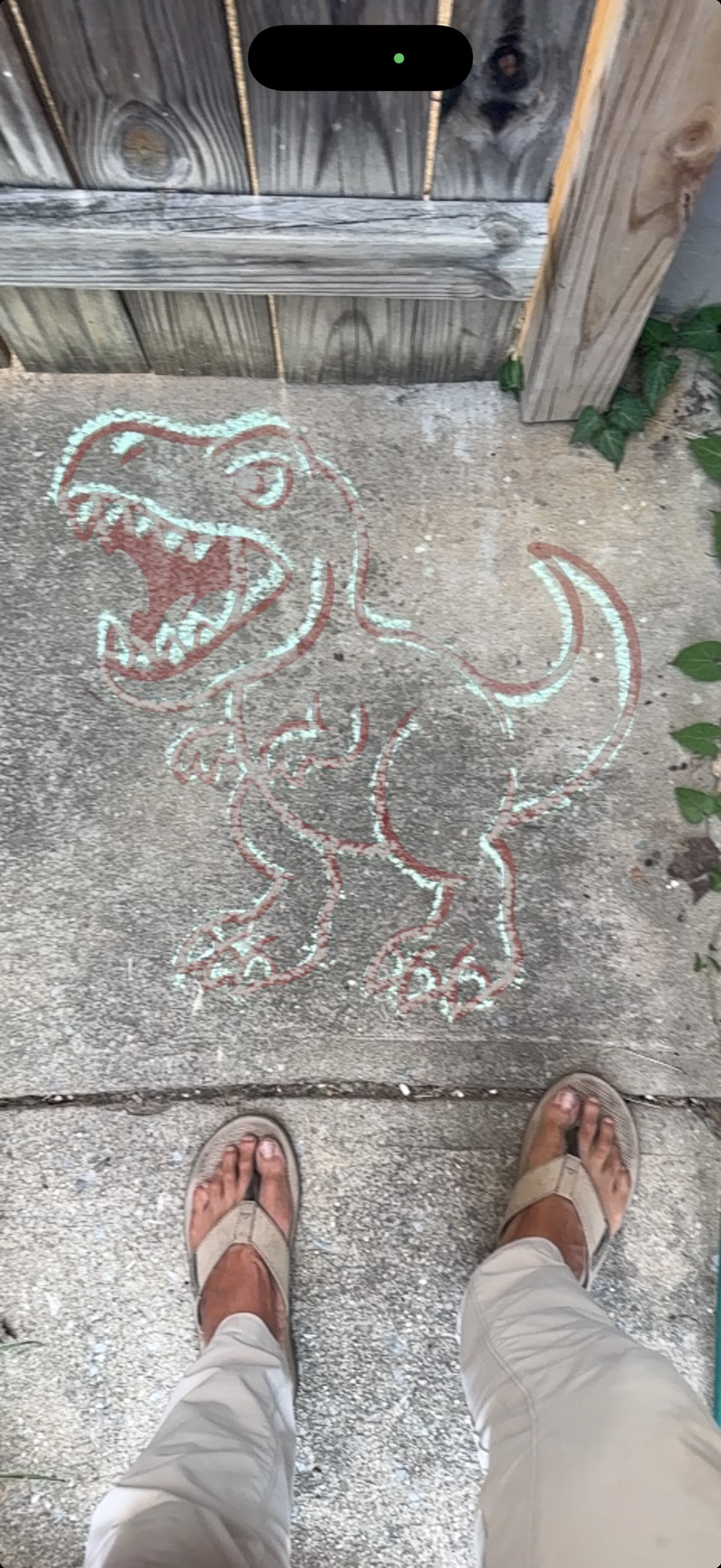
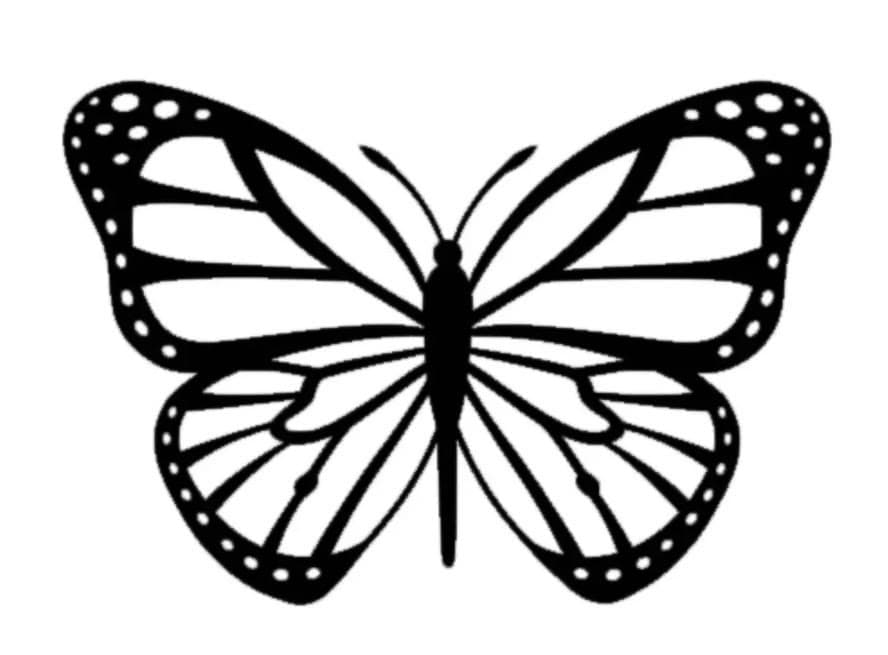
Upload a coloring page, a kid's drawing, or your garden plan. Tap two points to set the real-world size. Your phone casts it onto the driveway, wall, or lawn — and you just trace what you see.
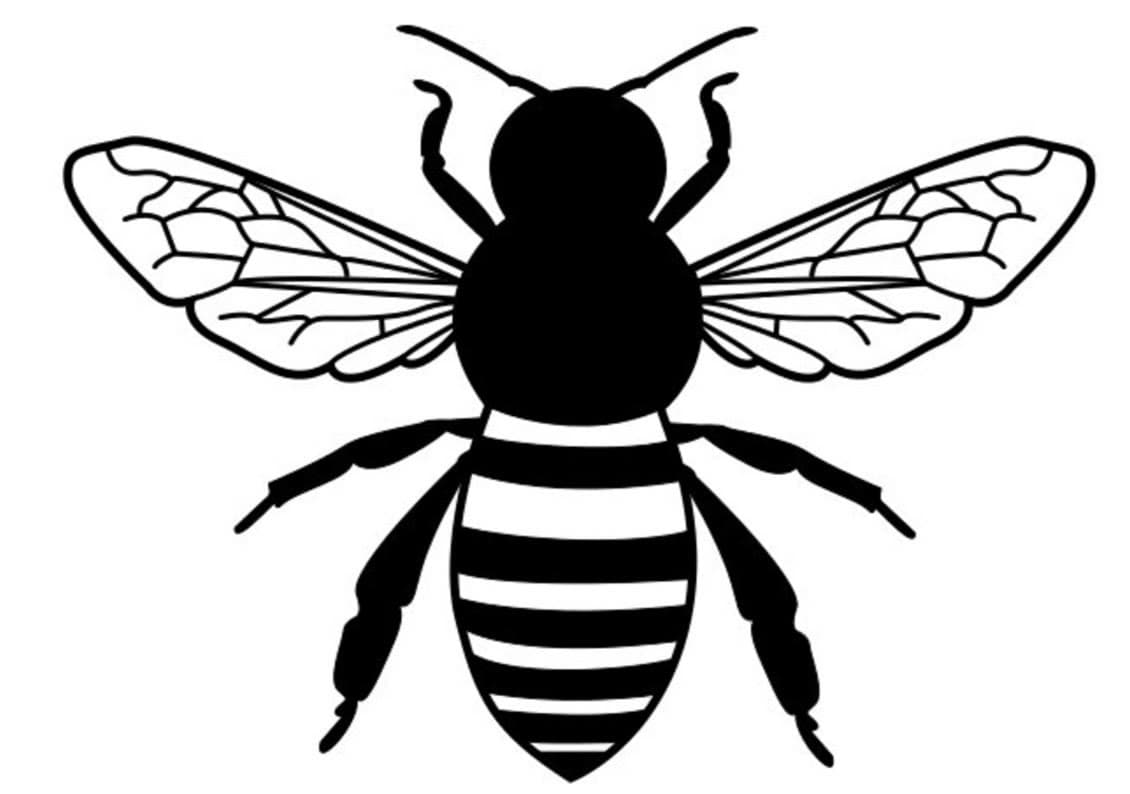
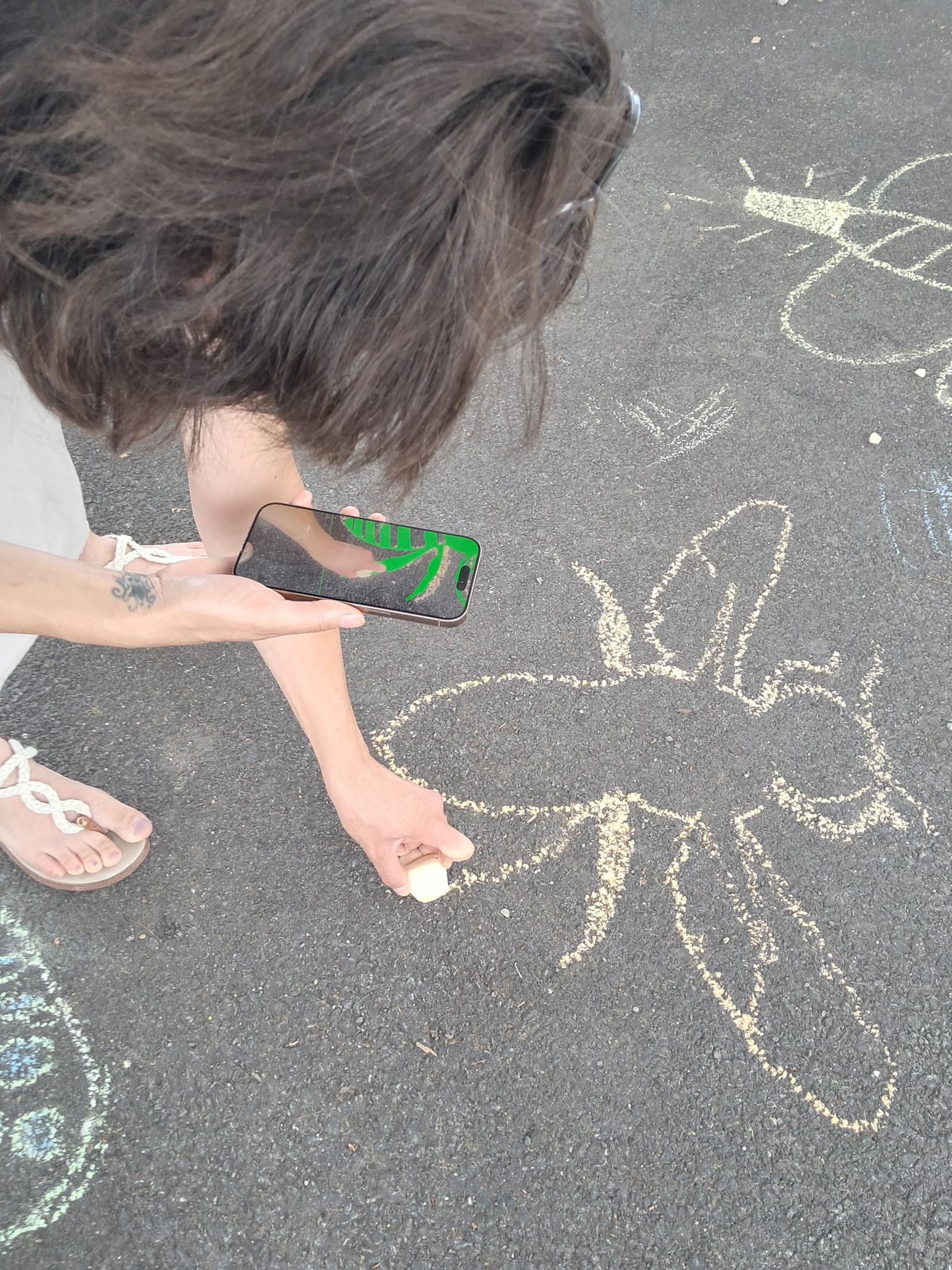
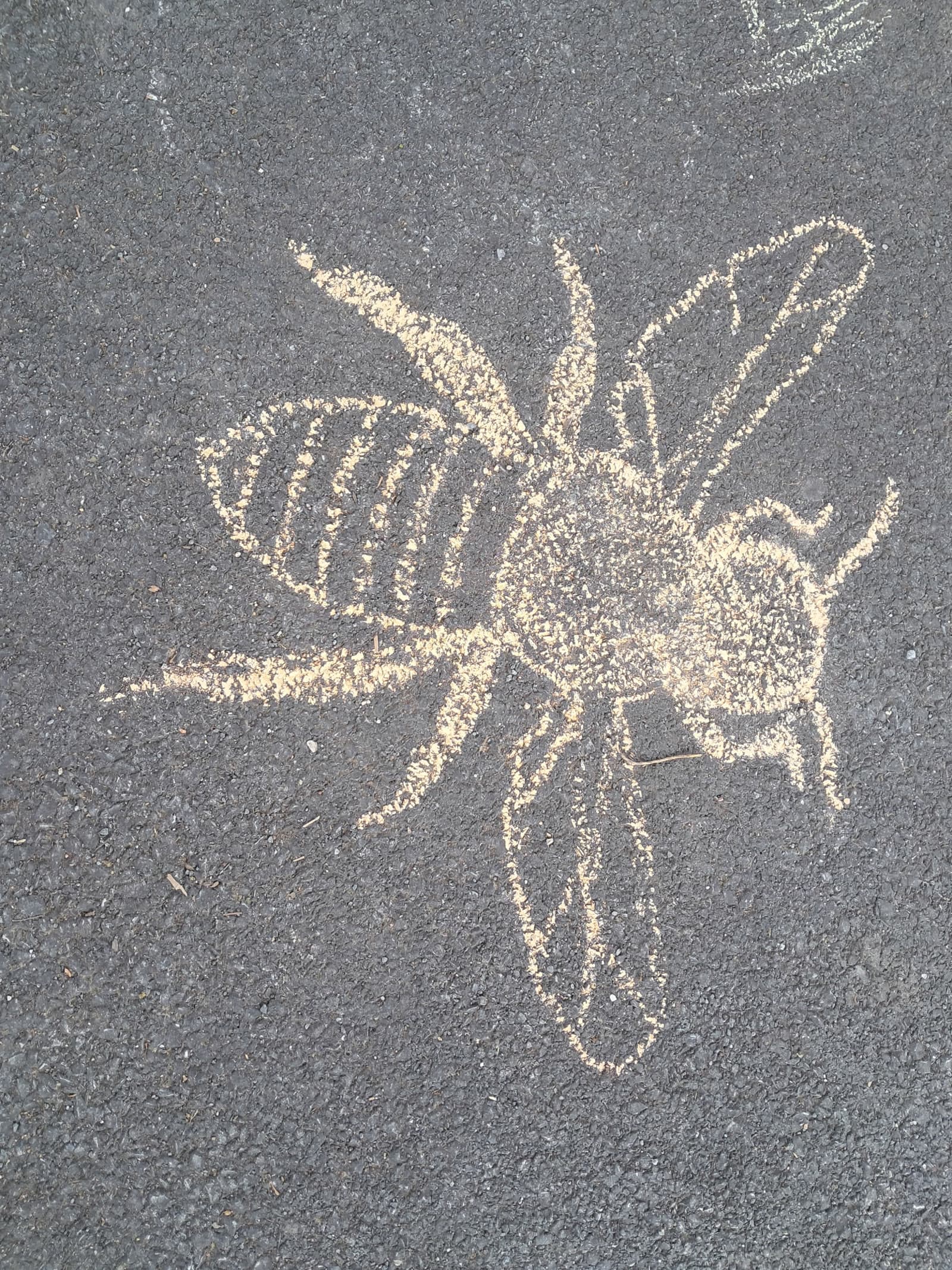
From screen to sidewalk in under a minute. Works on iPhone Safari and Android Chrome.
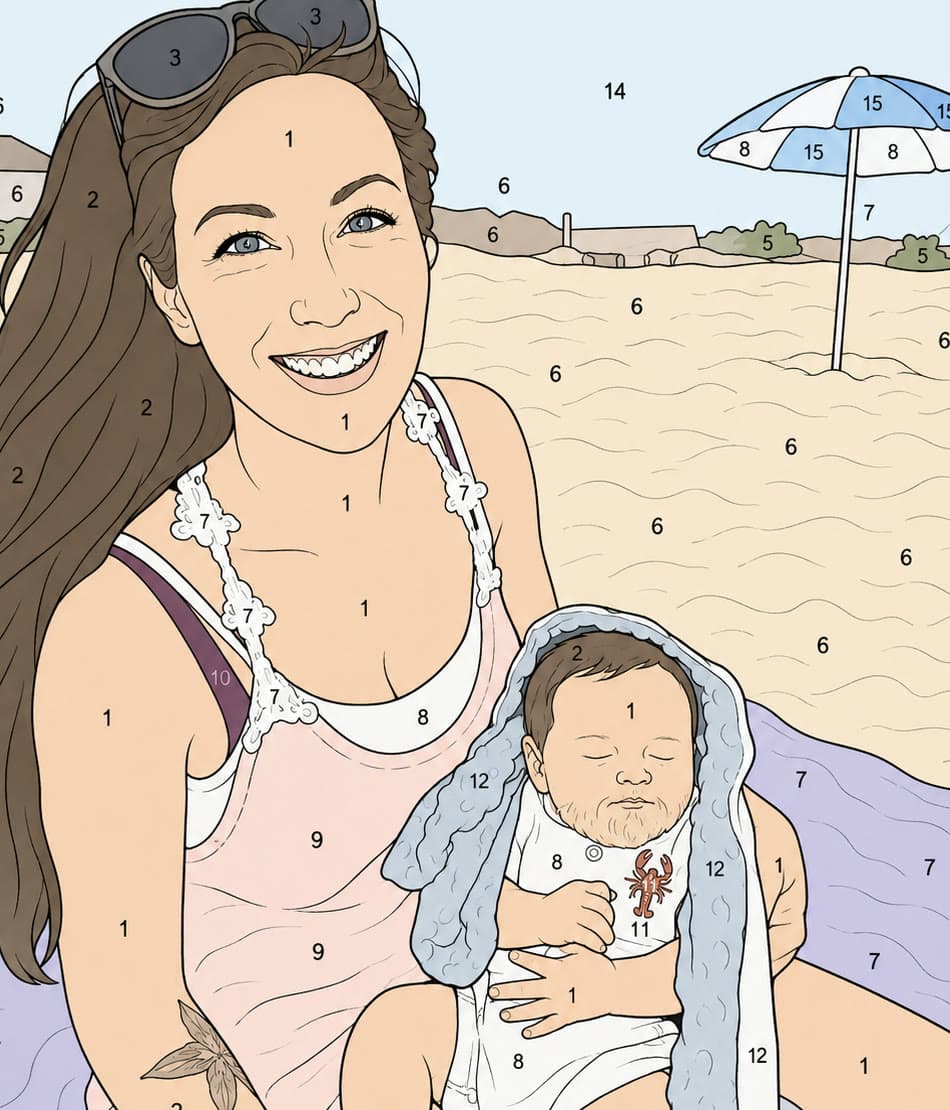
A coloring page, a kid's drawing, a mural design, a garden plan. JPG, PNG, HEIC — we'll take it.
Tap two points where you know the real distance — one side of a sidewalk square, one end of a bed to the other. Type the feet.
iPhone opens AR Quick Look. Android tracks the ground and waits for a tap. Then trace it, paint it, or plant by it.
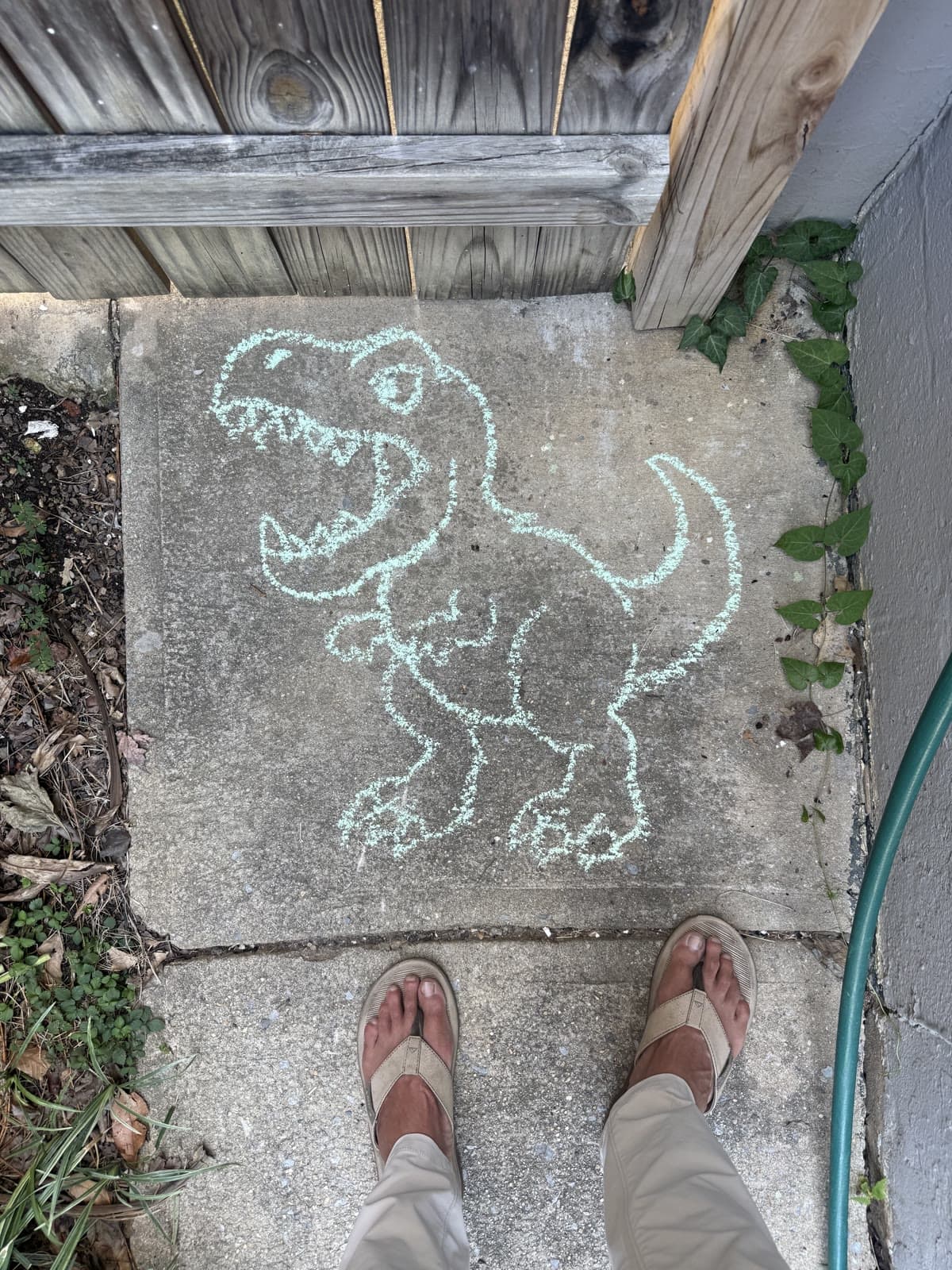
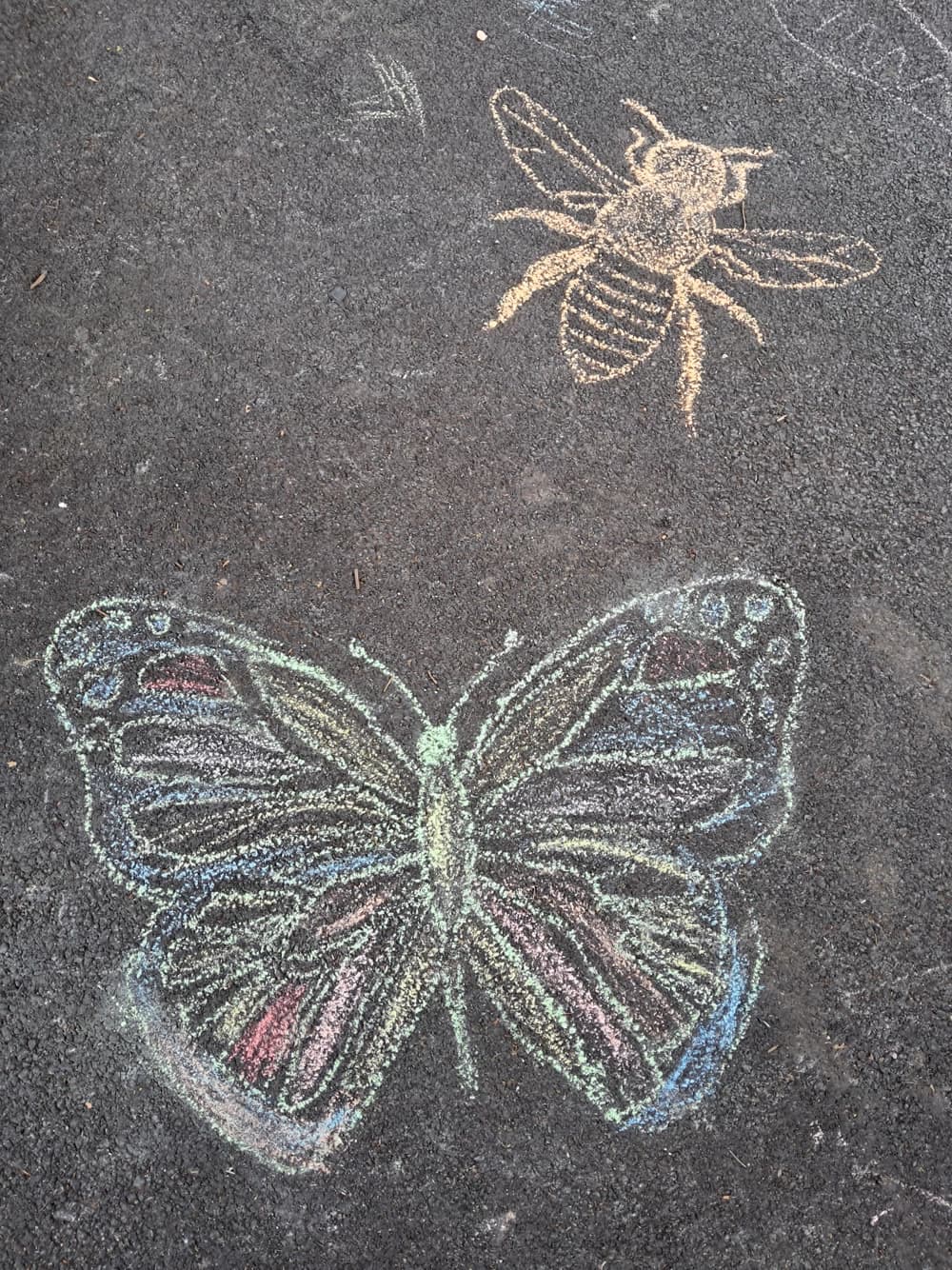
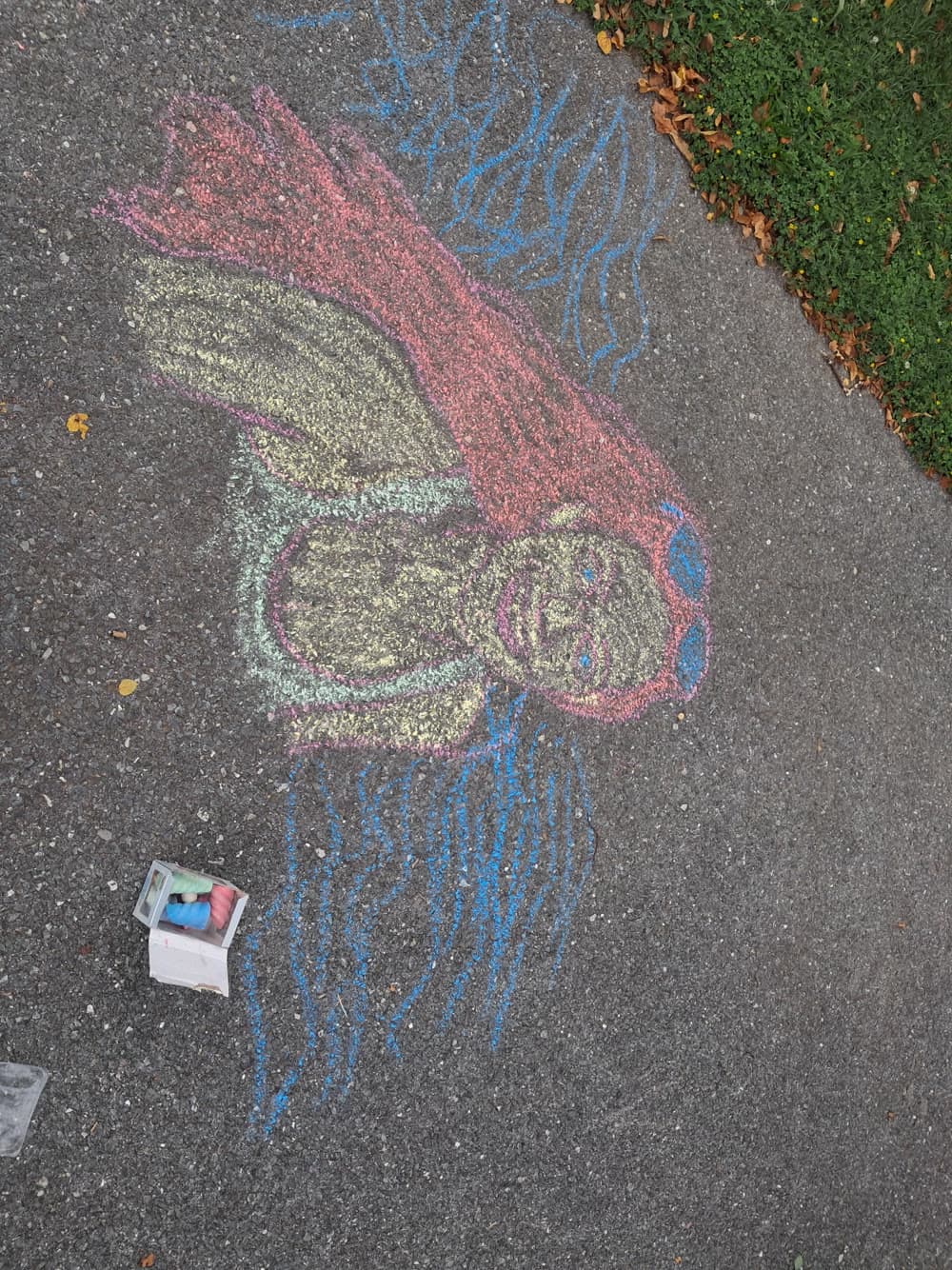
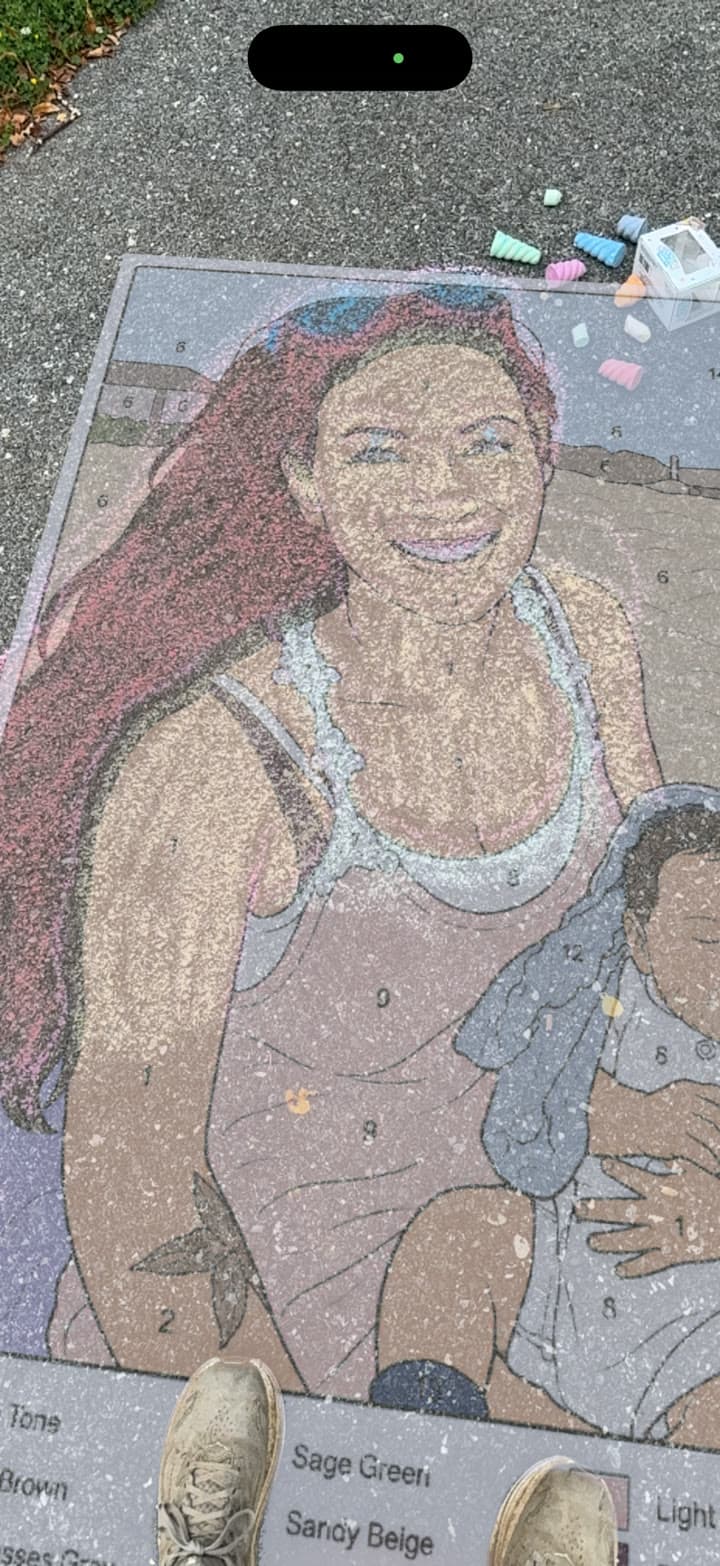
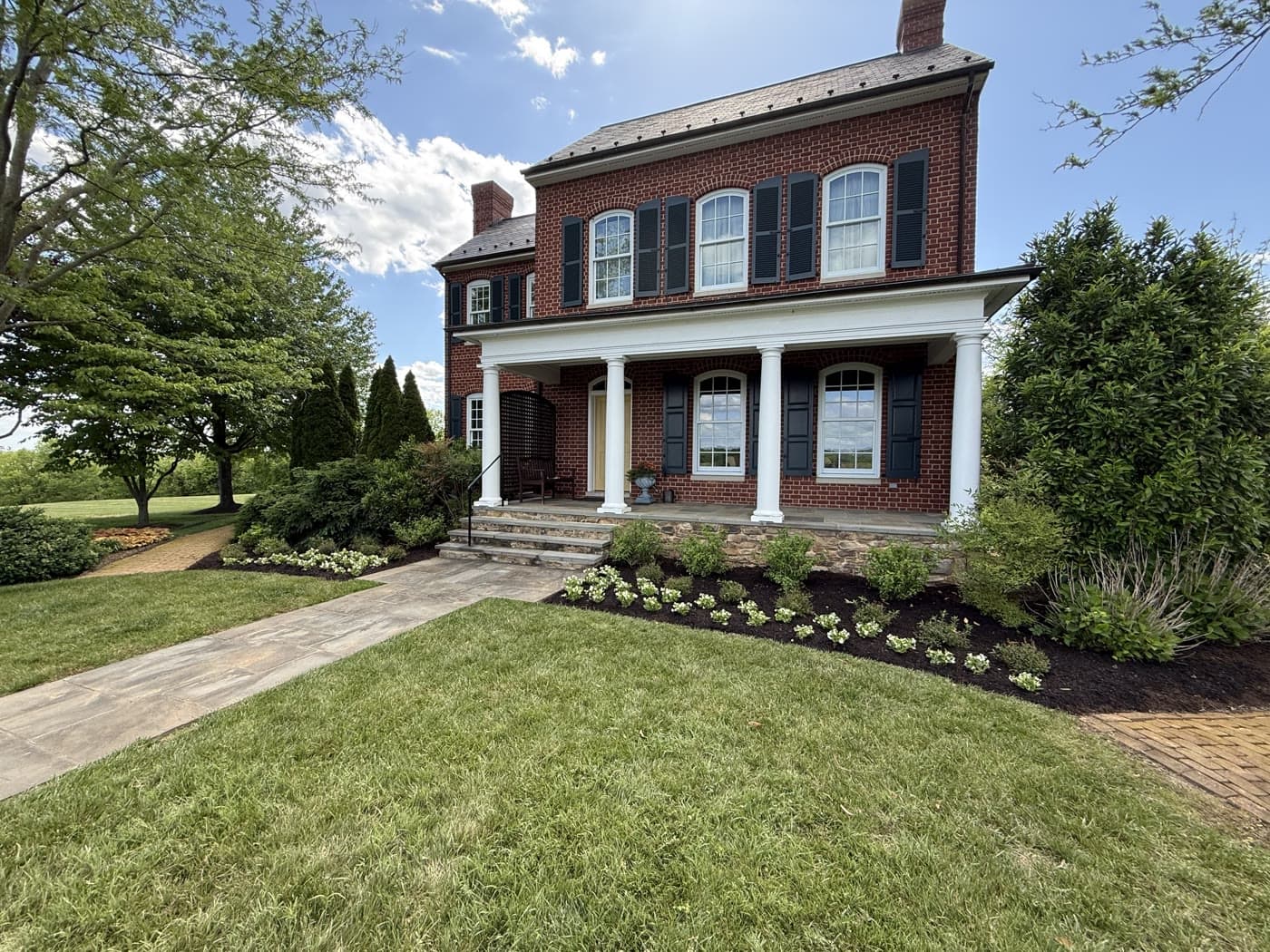
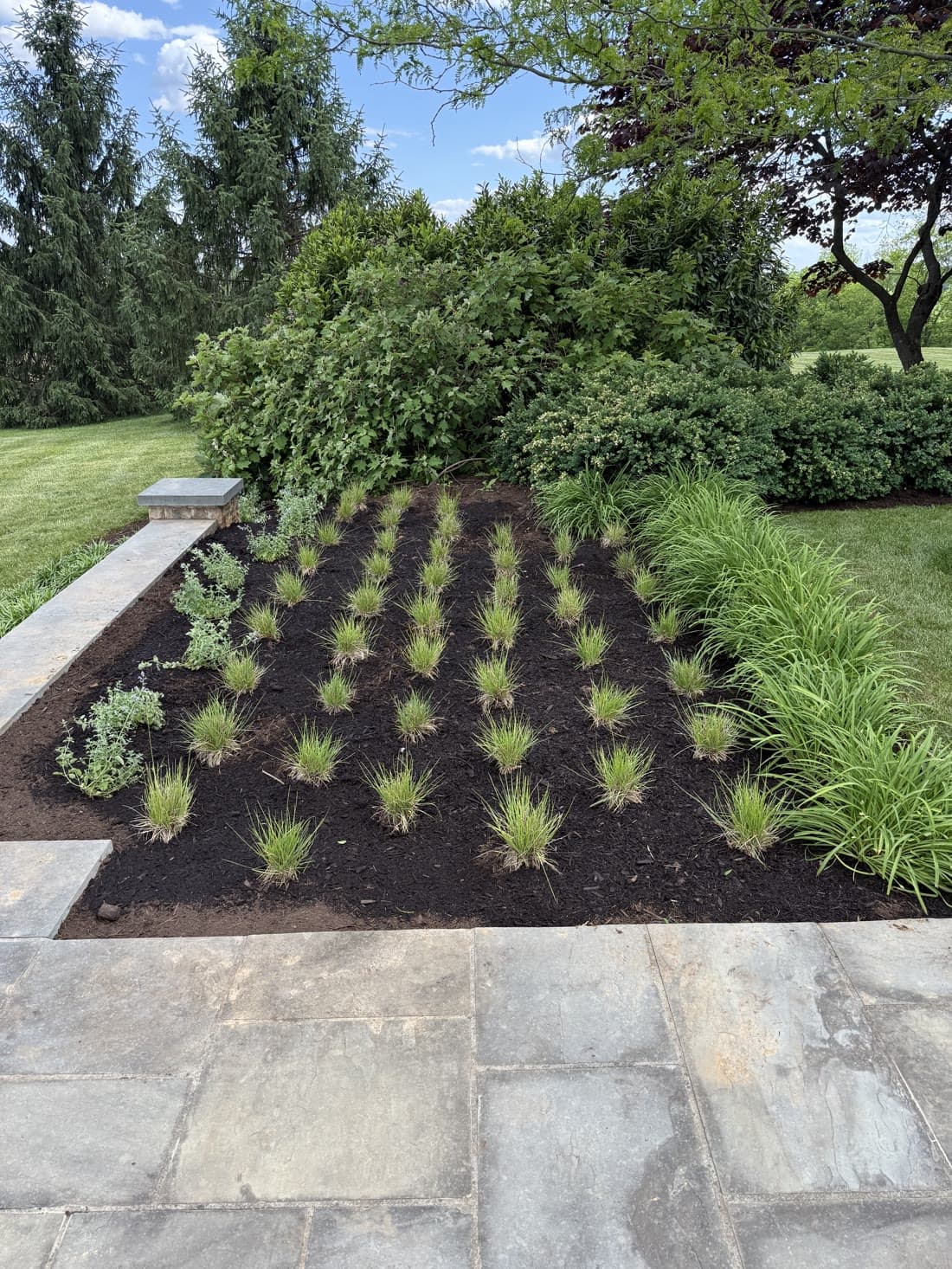
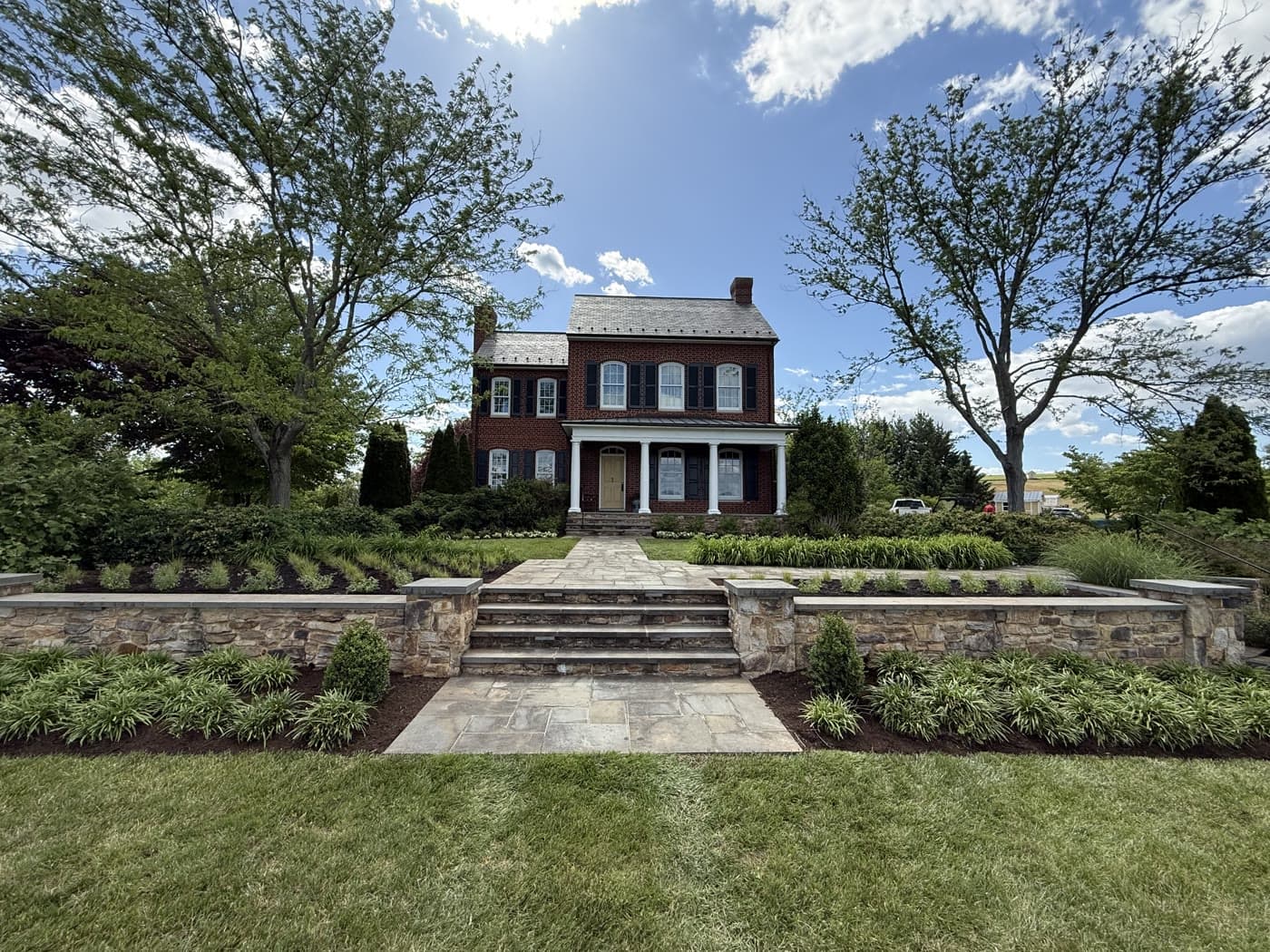
Everything below came straight off our phones — drawn, traced, and planted with the live app in our own driveway and garden.

Any image works — a coloring page, a garden plan, a kid's sketch.

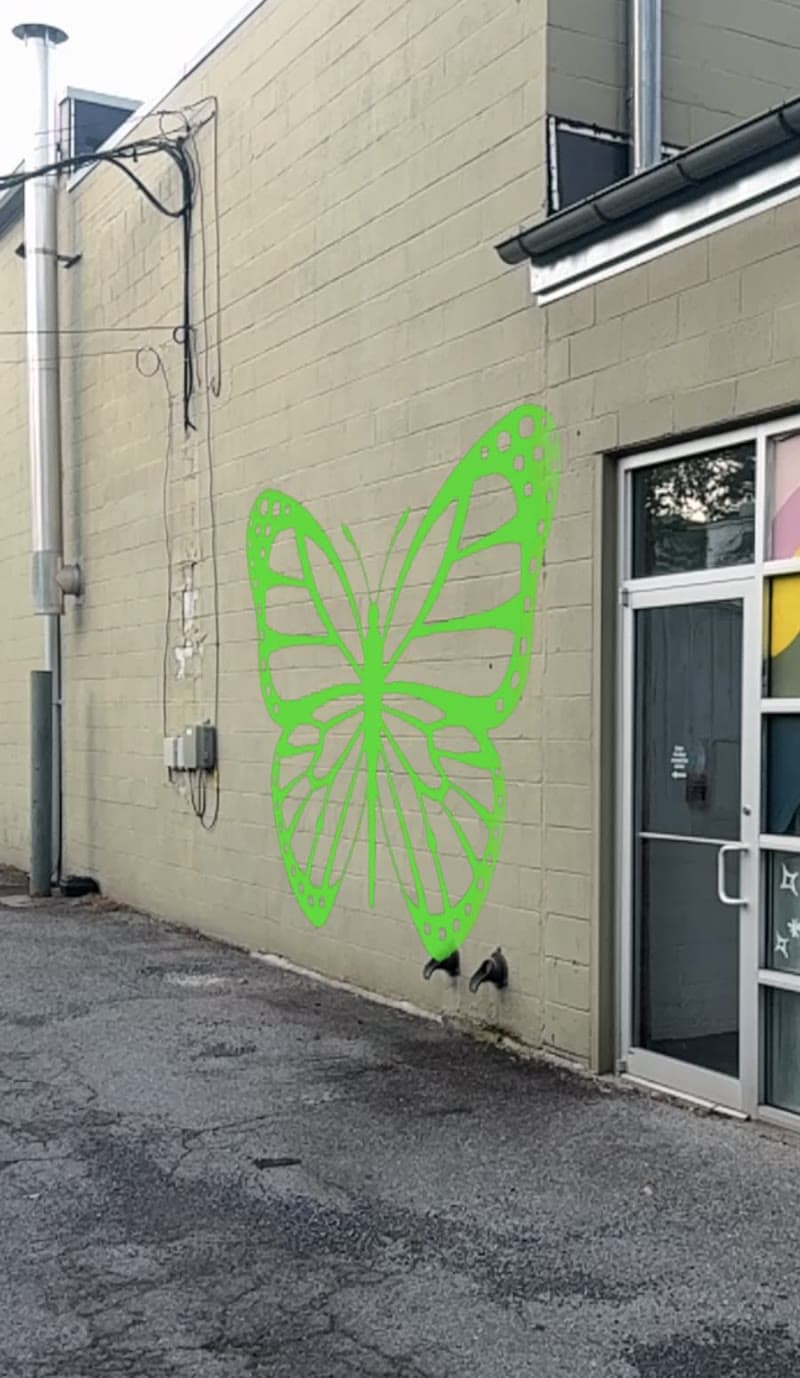
The overlay locks to the ground at the exact size you set.

Follow the lines. That's the whole trick.
For everyone
No projector, no grid method, no transfer paper. One hand holds your view, the other traces what you see — work a section, step back to check, keep going. If you can color inside the lines, you can draw this big.


Also perfect for
For gardeners
Any garden plan ever created comes to life on the bed — hand-drawn on graph paper, a designer's CAD sheet, a page torn from a magazine. If it's a picture, Plancast holds it at true scale: walk the whole design before anything goes in the ground, then dig where the drawing shows and drop each plant in.
Pick the plant size, the on-center spacing, and a triangular or square pattern. Plancast lays a dashed circle and a center × for every plant, then casts the whole grid onto your bed — the begonias in the clip above went in through exactly this. No tape measure, no string lines.


Tune what shows, what doesn't, and how it sits on asphalt, walls, and grass.
Wipes paper white without eating yellow, pink, or pale colors. Per-channel cutoff, not naive brightness.
One vivid line color for clarity, or keep every hue from the original — colored circles, fills, and masses come through.
Hollow circles become solid filled discs. Closed polygons render as opaque masses. Toggle on demand.
Pick any two points, type the real distance. The whole image sizes to true scale. Recalibrate any time.
Slider thickens or thins strokes for visibility on rough asphalt or grass. Color picker sets the contrast you need.
Bumps and humps swallowing parts of your plan? Raise it 0–24 inches off the ground so the whole design stays visible.
Any image, at true scale, on driveway, wall, or garden bed.
Open Plancast on your phone, upload any image, and see it at real size on your driveway, wall, or garden — before chalk, paint, or shovel touches anything.